Order your home-cooked meals 💚

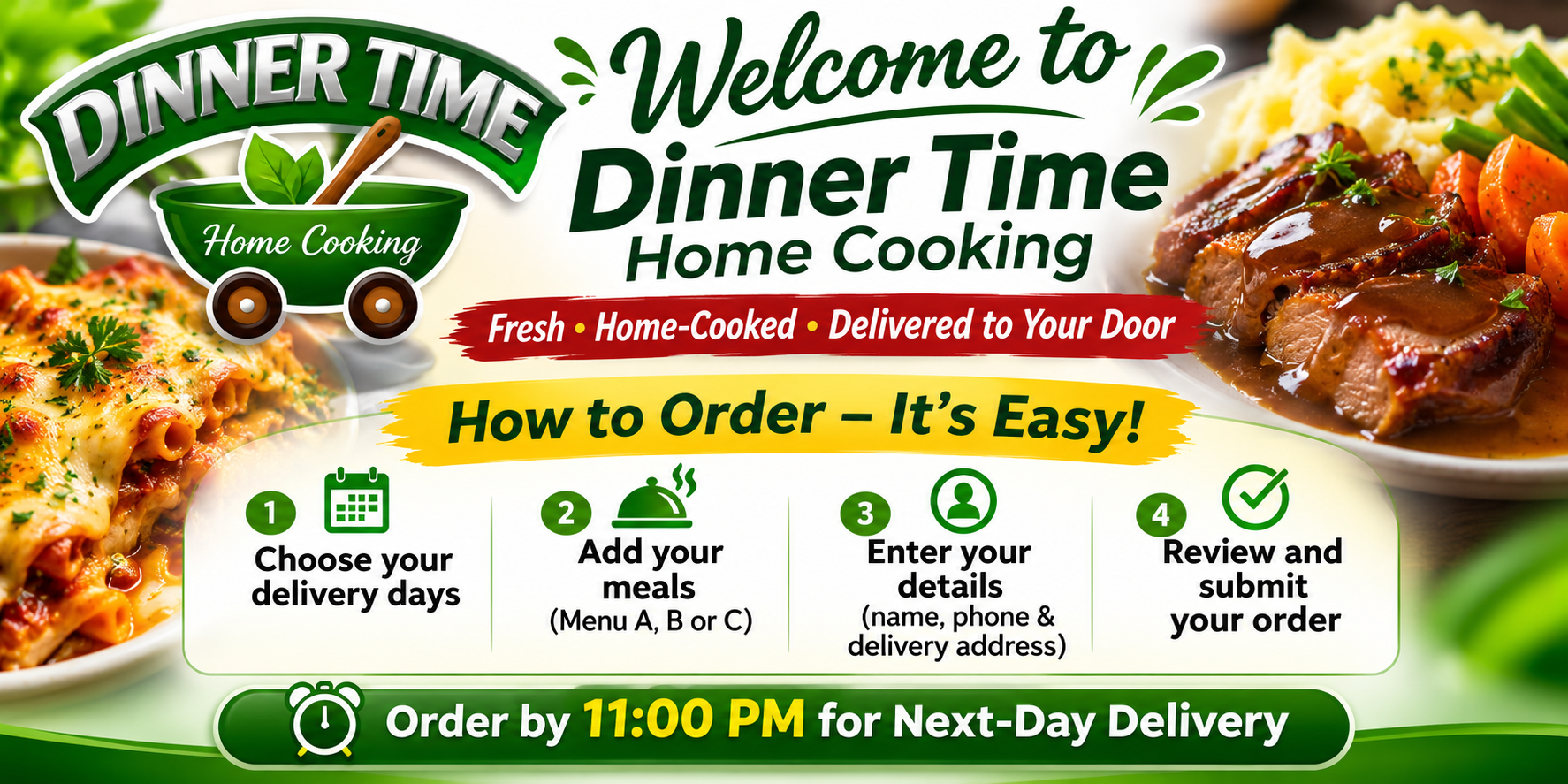
How to order — 4 easy steps
Order for one day, several days, or the whole month. You can choose different meals and quantities for each delivery date.
Find the delivery date in the left column. On your phone, swipe sideways to see all three menus.
Choose Menu A (R73), B (R72), or C (R71). Tap Add +1 again for extra portions. Add Wednesday dessert if you'd like.
See your selected dates, meals and total in the basket. Tap Continue and enter your delivery address and contact details.
Check everything before confirming. Online Yoco card payment is being prepared. EFT, card on delivery and cash on delivery can be selected now; Dinner Time will confirm arrangements.
November 2026 · Daily menu
Each delivery date appears above its Menu A, B and C choices. Tap Add +1 for each meal you want. Scroll down to see the full month.
Wednesday dessert: Malva pudding with custard · R29